RPWallet larp wallet tutorials
Start with phone setup, then prepare the balances and screens your scene needs. Explore live-price portfolios, multi-currency accounts and fictional store dashboards, with practical steps and troubleshooting for each workflow.
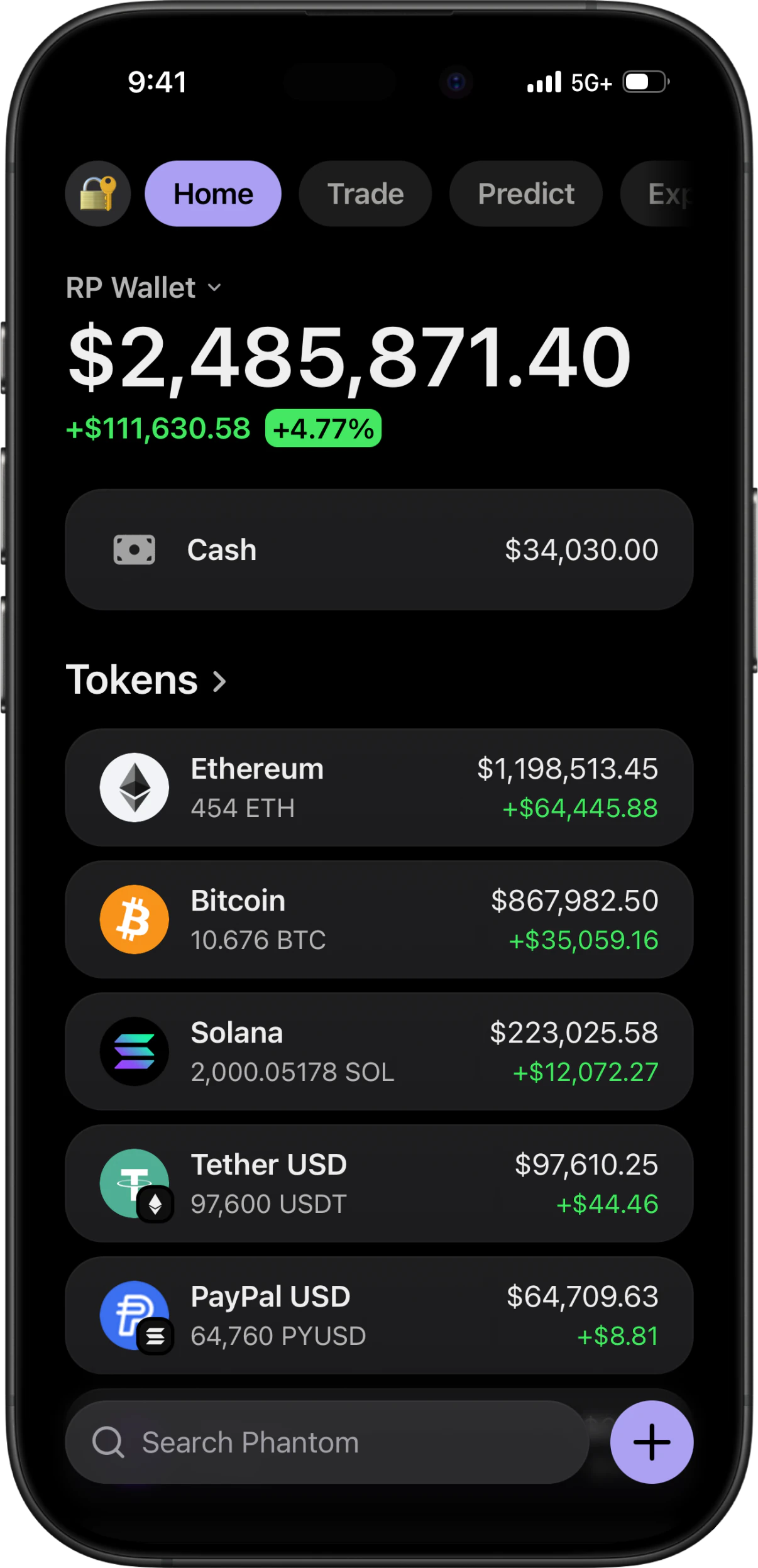
What these cover
Choose a starting point below: install the app, prepare a crypto portfolio, rehearse a banking or store walkthrough, or record your scene. Each guide covers a distinct task with prerequisites and troubleshooting. Detailed app configurators and their screenshots are available separately in the signed-in dashboard.
How to buy RPWallet
Choose a plan, pay, activate your license key, and open your apps.
Start where you are
New to this, start with the full walkthrough. Setup if the app is not on your phone yet. Balances and tokens once it is. Content when you are ready to record.
Start here
Choose a LARP wallet for your scene
Choose between Phantom, Trust Wallet, Exodus and Ledger Live-style LARP wallets by planning your scene, assets and on-screen interactions.
4 min readHow to larp a crypto wallet
The full walkthrough: pick the wallet interface that fits your story, get it on your phone, configure a clearly disclosed simulated portfolio, add supporting activity, and check the finished capture. Covers Phantom, Trust Wallet, Exodus and Ledger Live.
8 min readSetup
Install on iPhone
Activate your RPWallet key, open your chosen wallet from the dashboard, and add that app to your iPhone Home Screen using Safari.
4 min readInstall on Android
Download an Android app from your RPWallet dashboard, generate its pairing code, and connect it. Includes the browser-install option when offered.
4 min readSimulate a hardware wallet
Step-by-step: add a simulated Ledger device, choose the model, install its blockchain apps, set balances that match them, and capture a cold-storage scene where the device and the portfolio agree with each other.
8 min readBalances & tokens
Understand live prices and demo balances
Check token quantities, live prices and display currency before recording a simulated portfolio. Learn why the total can change between takes.
4 min readSet custom balances
Set a demo balance using the right units, save it, and check the portfolio total. Learn why asset quantity, cash value, visibility, and live prices differ.
4 min readImport a custom token
Step-by-step: search a token by name or symbol, import it into the wallet, upload your own logo when there is no listed image, and remove it afterwards. For memecoins, pre-launch tokens and anything with no market listing.
6 min readMirror a public address
Step-by-step: paste any public Solana address into the Watch Address tab and have the simulator populate its token list from that address's real, publicly visible holdings — with no connection, no signature and no key of any kind.
6 min readBanking & stores
Prepare a multi-currency wallet demo
Plan a Revolut-style recording with separate USD, EUR and GBP accounts. Check currency labels, account balances and crypto units between shots.
4 min readPlan a demo store dashboard walkthrough
Prepare a fictional store recording with consistent sales, orders, sessions and date ranges. Review the dashboard and order detail before filming.
5 min readContent
Plan a LARP wallet video
Plan a fictional LARP wallet video with a simple shot list, consistent token quantities, a rehearsal and clear simulation labeling.
5 min readRecord wallet screen video
Step-by-step: configure a simulated wallet, protect personal notifications, record clean vertical footage, and label the finished clip clearly for demos, education, or entertainment.
7 min readKeep reading
Fake Phantom Wallet
How to get a Phantom-style wallet on iPhone or Android with no app-store download and nothing to sideload.
Phantom Wallet Simulator
Editable balances, custom tokens and simulated transactions on a 1:1 Phantom rebuild.
Larp Wallet Comparison
How the larp wallet options actually differ, and which one fits which job.
Safety & Responsible Use
What RPWallet never does, which uses are prohibited, and how to disclose simulated visuals.
Get RPWallet on your phone
Join 900+ people already using RPWallet on iOS and Android. No download, no seed phrase, no real funds.